How Listing Review, Expiry and Renewal Work on RizSwap
Quick answer: From first draft to live listing and beyond: how RizSwap verifies, reviews, approves, expires and renews listings, and what sellers can do to speed.
Quick answer: a RizSwap listing is created in steps, verified (automatically for YouTube, manually for other platforms), reviewed by the team, and then goes live. Approved listings expire after a set period (a platform setting that can change), and sellers can renew or pause them from their listings page. This guide explains each stage.
Step 1: Create the Listing
Sellers choose a platform, enter the account details and then complete the listing: title, description of at least 20 words, price (minimum $10, or $130 for monetized YouTube channels), niche, the audience numbers, and screenshots. Up to 15 screenshots (JPG, PNG or WebP) can be uploaded, and RizSwap recommends analytics, earnings, follower stats or dashboard images because they build buyer trust and can speed up approval.
Learn how to write a strong description in how to write a listing that sells fast.
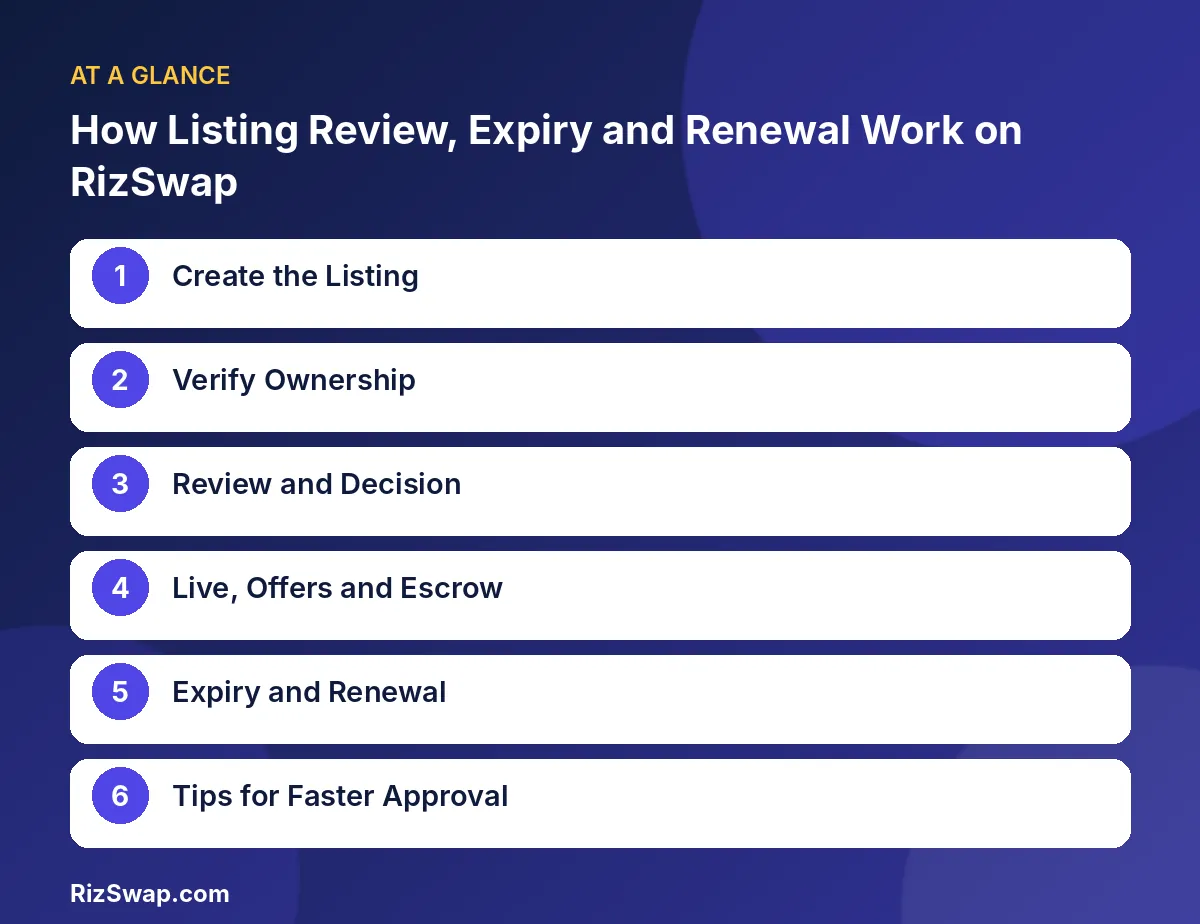
Step 2: Verify Ownership
For YouTube channels, the platform can verify ownership with a code, and a verified YouTube listing can go live straight away. For TikTok, Instagram, Facebook and X, the content often cannot be read automatically, so these listings are verified manually by the admin team. Be ready to help the team confirm that you control the account. See the documents sellers should prepare.
Step 3: Review and Decision
Listings submitted for review are checked before they appear in the public catalog. The team can approve a listing, which marks it as verified and active, or reject it with a note explaining what to fix. Typical issues to avoid are missing or low-quality screenshots, numbers that do not match the evidence, and unclear descriptions. Use these screenshot tips to avoid them.
Step 4: Live, Offers and Escrow
Once live, buyers can chat, send offers and start escrow. Read how offers and counter-offers work and how long escrow takes. Sellers pay their side of the escrow fee when a deal completes; see escrow fees explained.
Expiry and Renewal
When a listing is approved, it is given an expiry date so the catalog stays current. The length of that period is a platform setting that can change, and it applies to newly approved listings; check your listing page for its exact expiry date. After that date the listing is marked as expired and hidden from the public catalog.
Sellers can see their listings on the My Listings page, pause active ones and renew expired ones to bring them back. If you have changed anything important about the account, update the listing before renewing so buyers see accurate information.
Tips for Faster Approval
- Use real, uncropped analytics screenshots that match your numbers.
- Mention strikes, restrictions and the transfer method honestly.
- Set a realistic price using the factors that drive price.
- Reply quickly if the team asks for a verification step.
- Consider Premium if you list often; see how Premium helps you buy and sell faster.
Frequently Asked Questions
Why was my listing rejected?
The decision comes with a note. The usual causes are unverifiable numbers, poor screenshots or incomplete details. Fix the issues and resubmit.
Can I edit a listing after it goes live?
Sellers can edit their listings from their account. Keep information accurate, because buyers rely on it.
Does an expired listing lose its chat history?
Expiry hides the listing from the public catalog. Check your messages and records, and renew the listing if you still want to sell.